Upcoming Event
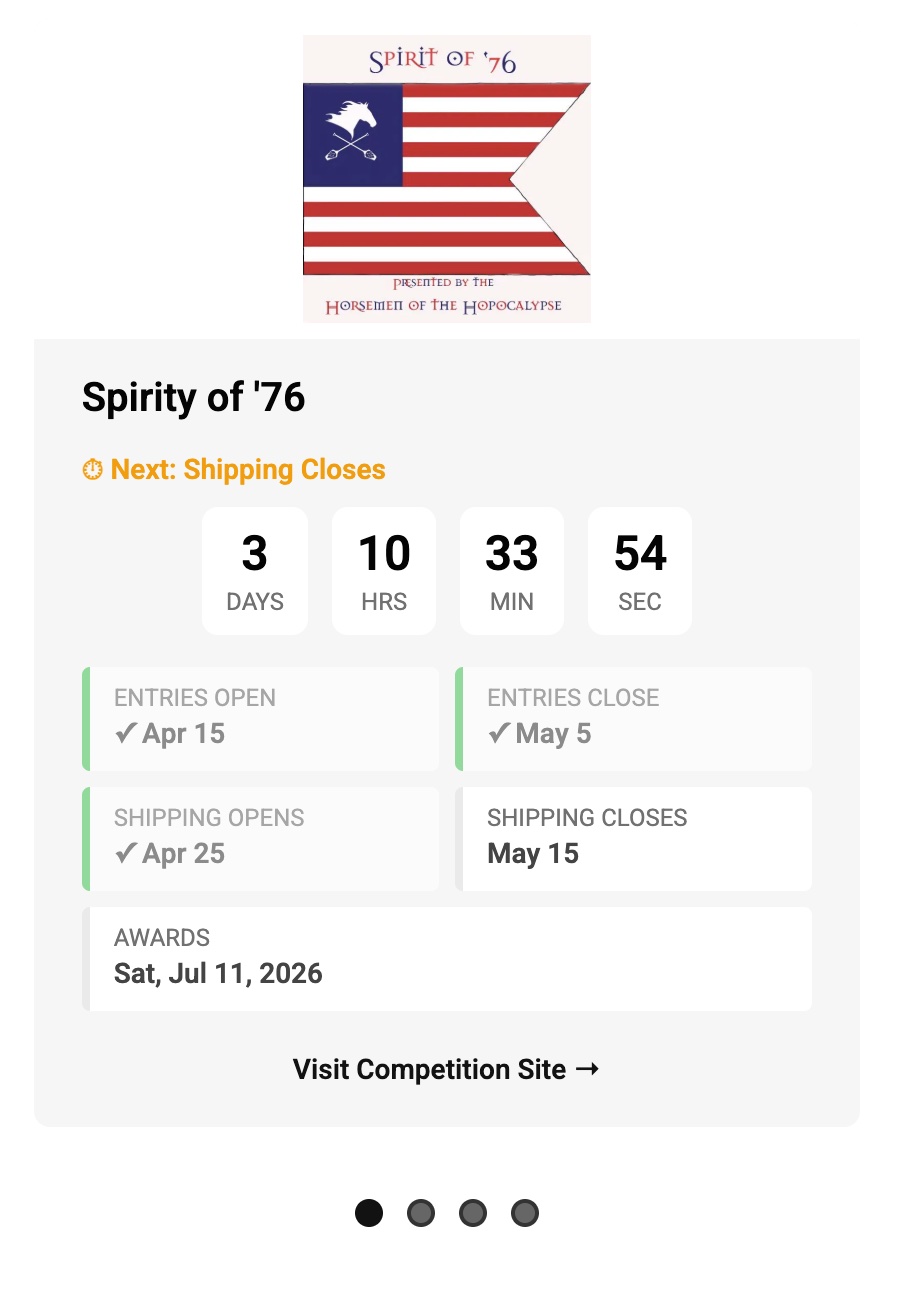
The spiffy EventRotator is straightforward to use
Navigate to the Events content folder and add a new *.mdx file for the event:
This file needs the following yml front-matter to render the event:
---title: "Spirity of '76"image: "/images/spiritof76.jpg"link: "https://brewingcompetitions.com/northtexas/"milestones: entries_open: 2026-04-15T00:00:00-06:00 entries_close: 2026-05-05T00:00:00-06:00 shipping_open: 2026-04-25T00:00:00-06:00 shipping_close: 2026-05-15T00:00:00-06:00 awards: 2026-07-11T15:00:00-06:00draft: false---The time stamps for the milestones looks scarry. It is just a very compact, computer‑friendly way of saying a specific local time on a specific date, plus “and this is which time zone I mean.”
So, in plain language:
The count down timer for the event tracks the next relevant date.
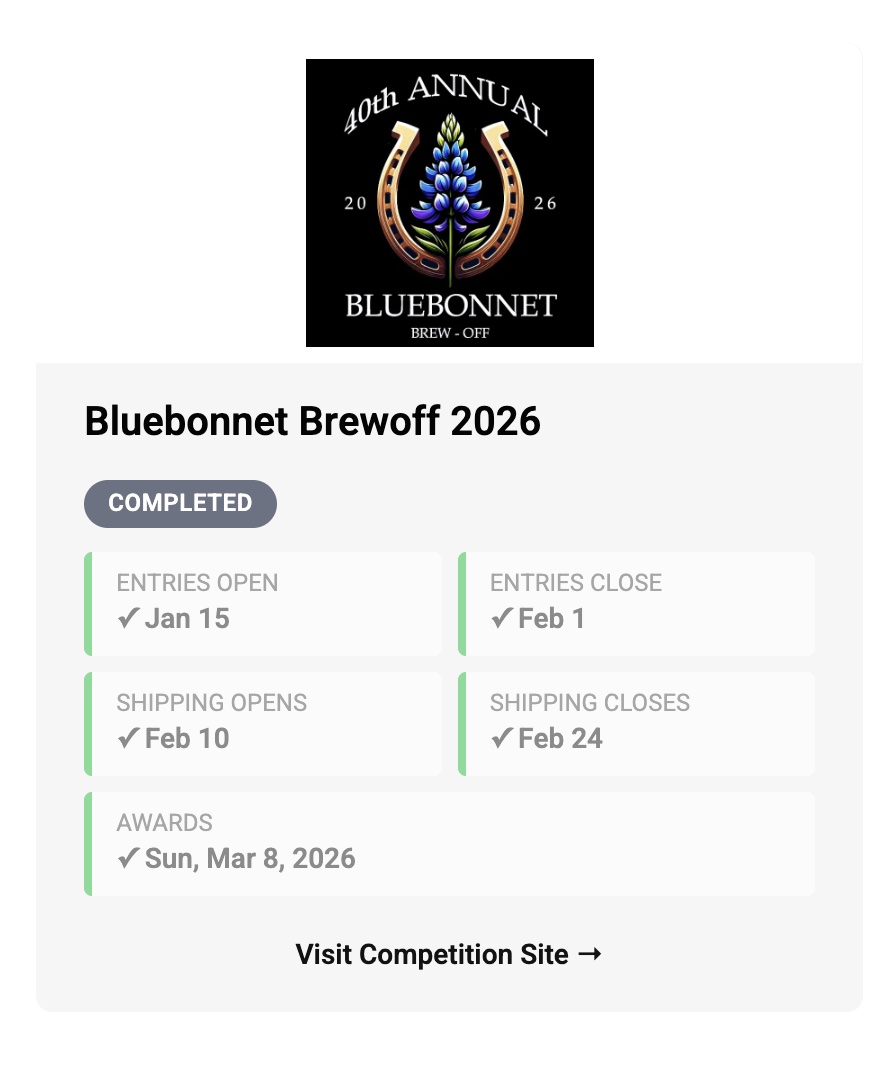
completed badge like the Bluebonnet card below.Upcoming Event
Completed Event